
Standard Reports
Introduction
Standard reports come out of the box with Relevant. They are designed to meet common reporting needs and maintained by the Relevant team. These reports receive automatic updates from Relevant as we make improvements.
Using the standard reports
Standard reports are indicated with the Relevant logo on the reports page. To quickly find them, you can filter by “Report type” to only display standard reports (note that you may need to update the “Status” filter as well to see all standard reports). These reports function just like any other report in Relevant–you can: run the report, use parameters to refine the data, export results, and view the SQL powering the report. Learn more about Reports.
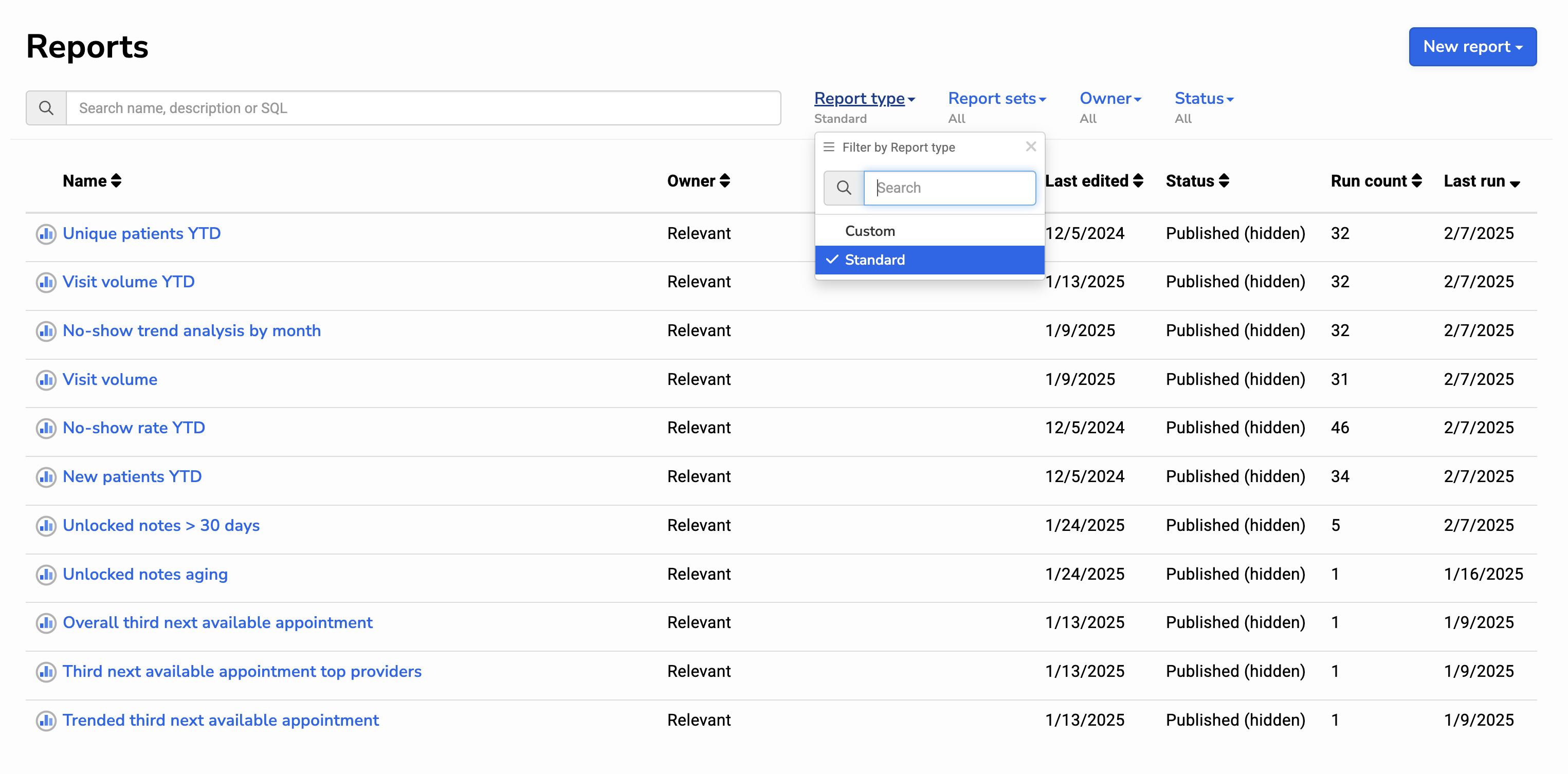
Anyone with the ability to “View Reports”, and if applicable, “Read PHI”, can access a standard report. Users with the “Manage Reports” can change the status of a standard report. If a report is irrelevant to your organization, you can archive or hide the standard report by updating its status.
Frequently asked questions
Q: What happens when Relevant updates a standard report?
A: Any changes Relevant makes will automatically apply to the standard report in your instance.
Q: I don’t want our report to be updated automatically. What can I do?
A: Make a copy of the standard report (using the duplicate button). Your copy will not receive any automatic updates. If you want to ensure users do not see the standard report, and mistakenly use it, you may want to archive it.
Q: Can I change a standard report?
A: No. Like standard Measures, Care Gaps, Risk Scores, and Populations, Relevant owns and maintains the definition. If you would like to change the report, you can ask your Relevant project lead to make a change (this would then apply to all Relevant health centers) or duplicate the report and customize as needed.
Q: What if I don’t have everything mapped in the Relevant data model?
A: Many of our standard reports include built-in checks to ensure you have the necessary Data Elements mapped. If a required Data Element not mapped, the report will return a warning.