
Using Risk Models
Each Risk Model uses its own logic to generate patient risk scores. These scores help teams identify patients with greater or more immediate care needs. For details about how Risk Models are defined and configured, see Configuring Risk Models.
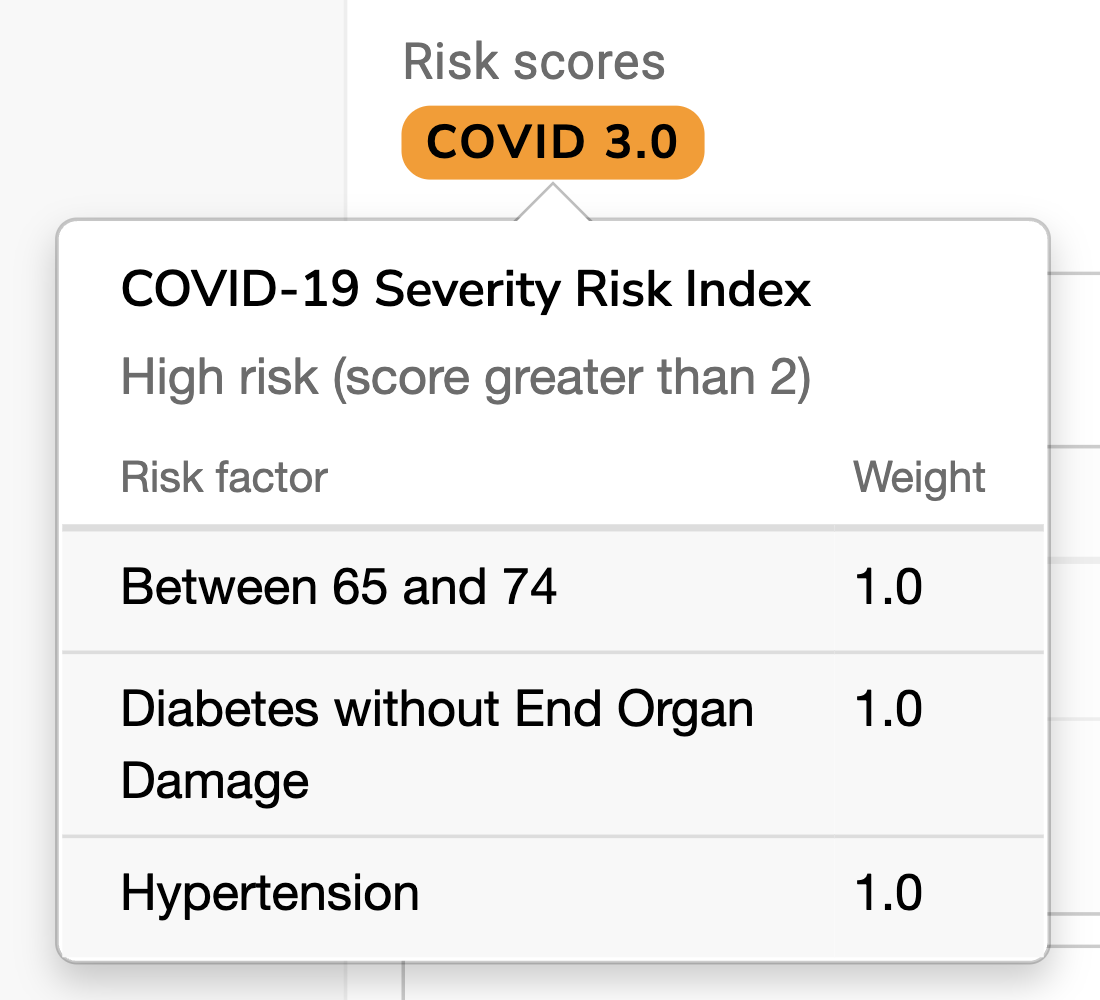
Risk scores appear throughout Relevant, including:
- Quality Measures: Compare and analyze results by risk level
- Visit Planning: View patient risk during care coordination
- Panel Explorer: Split and summarize provider panels by risk
- Data Explorer: Query, filter, and export patient risk scores
- Patients: View and sort patients by risk score
- Visits: View and sort visits by patient risk score
- Measure Results: View and sort results by patient risk
Risk scores are also included when exporting and printing from these tools so they can be used for reporting and analysis outside of Relevant.