Risk Levels
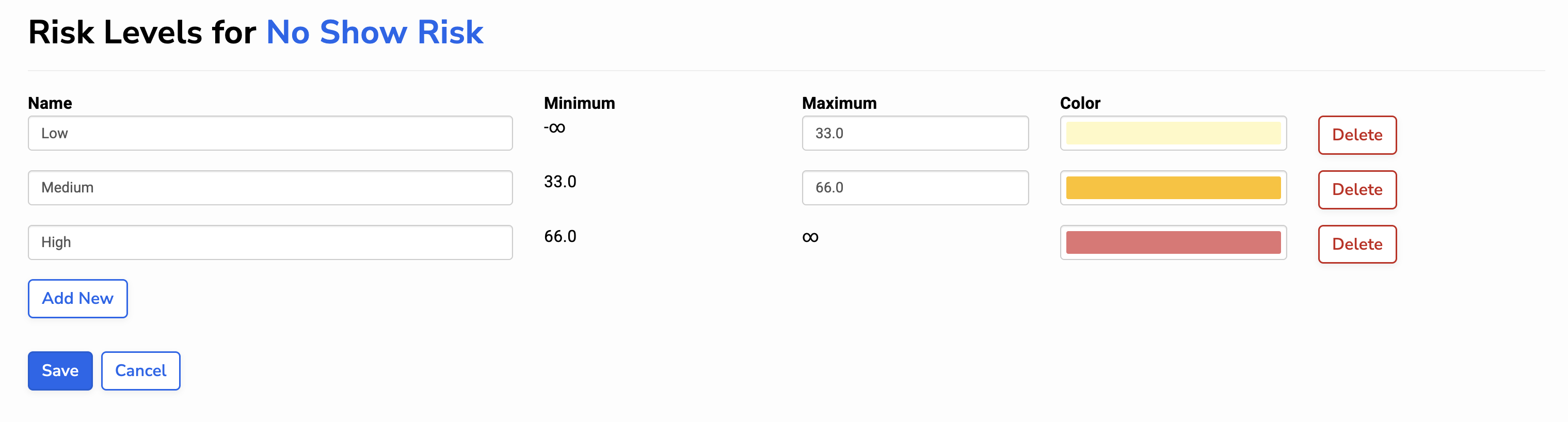
Risk levels group risk scores into meaningful categories to help with prioritization and decision-making. You can set risk levels for any Risk Model and define:
- The number of levels a Risk Model has
- The name of each level (for example, “Low risk” or “High risk”)
- The color used to represent each level
- The score ranges that determine which level a patient falls into
This flexibility allows health centers to align risk levels with their own care workflows and priorities.
How risk levels work
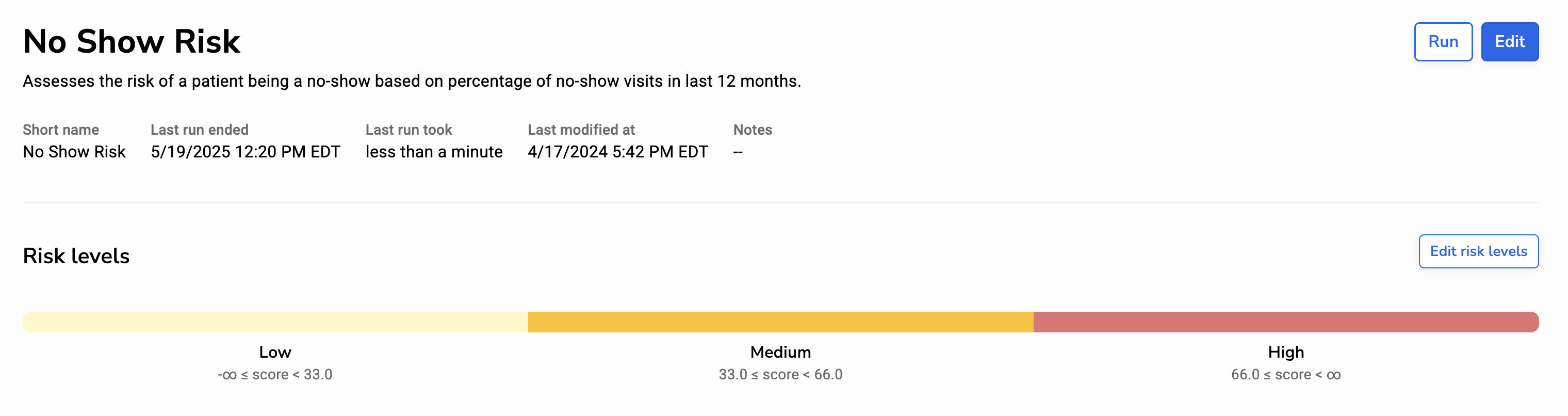
Each risk level represents a range of risk scores. When a patient’s risk score is calculated, it is assigned to the risk level whose range includes that score.
When defining risk levels, you can:
- Name the level
- Set a maximum score. Note: The highest risk level has no upper limit.
- Assign a color
Risk level ranges follow these rules:
- Maximum values are exclusive. The risk level includes scores up to but not including the maximum.
- Minimum values are inclusive. The risk level’s minimum score is the previous level’s maximum, and it is inclusive.