
Configuring Risk Models
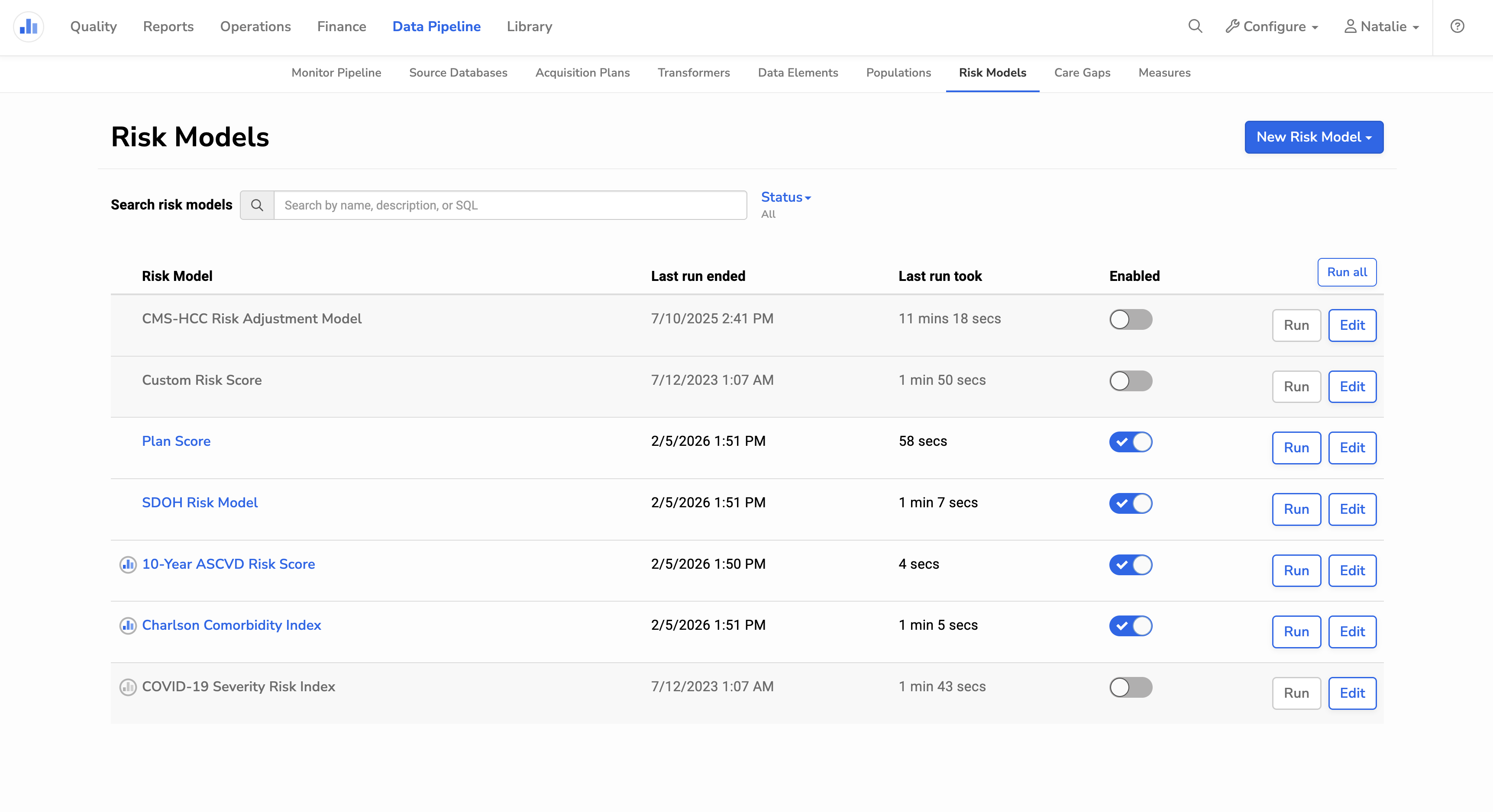
Risk Models can be created, updated, and maintained by users with the Manage Data Pipeline ability. From the Risk Models page (Data Pipeline > Risk Models), you can:
- Create new custom Risk Models
- Edit existing Risk Models
- Enable or disable individual Risk Models
- Run a Risk Model manually to update its results
Note: Disabling a Risk Model prevents it from calculating results during the Data Pipeline and removes its results from other areas of Relevant, such as Visit Planning.
Custom Risk Models
When you create your own Risk Models (aka custom Risk Models) you can configure the following:
- Name
- Short name, which appears alongside the patient’s risk score and in filters
- Description
- Notes (Markdown supported)
- Risk levels
- Risk Model type
Risk Model types
The Risk Model type defines the risk score for each patient. You can define your model using either risk factor-based logic or SQL-based logic. The best approach depends on how risk should be calculated and how much flexibility is required.
- Risk factor-based Risk Models are well suited when risk is determined by whether patients belong to specific Populations defined in Relevant. This approach is typically easier to configure and interpret, and provides additional context about which factors contributed to a patient’s risk score.
- SQL-based Risk Models are best suited for advanced use cases that require complex calculations, custom aggregations, or logic that cannot be expressed using predefined patient Populations. This approach offers maximum flexibility, but requires familiarity with Relevant’s data model and does not provide factor-level breakdowns alongside risk scores.
Standard Risk Models
Standard Risk Models are defined and maintained by Relevant and are not fully configurable. These are indicated with the Relevant logo. For Standard Risk Models, you can enable or disable the model, define risk levels, or add notes. All other aspects of standard Risk Models cannot be modified.
Relevant currently supports the following Standard Risk Models:
- 10-Year ACSVD Risk Score
- Charlson Comorbidity Index (CCI)
- Covid-19 Severity Risk Index