Accessing measure descriptions & configuration
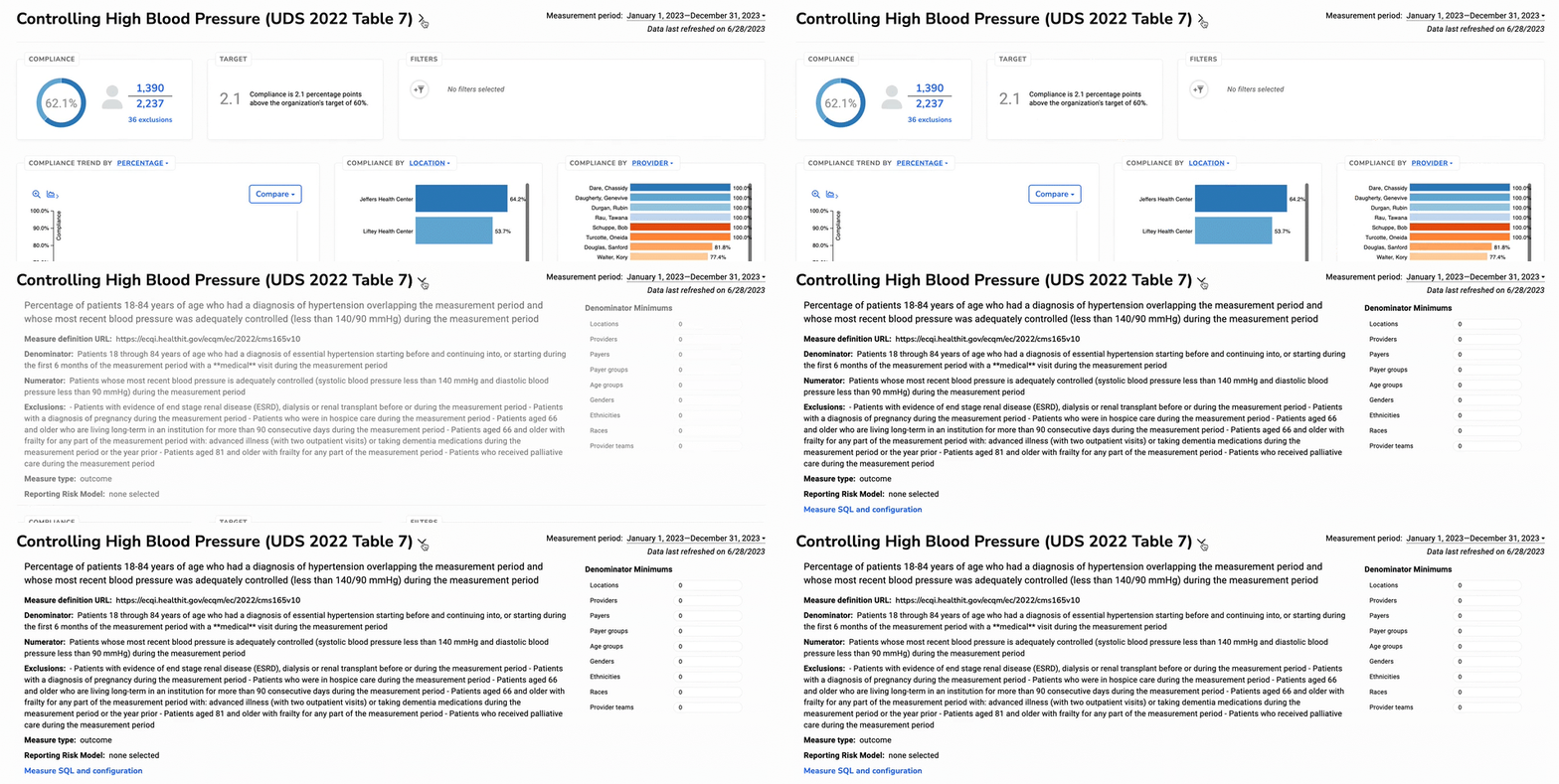
Clicking on a measure from an overview screen allows for further exploration of measure details.
Expanding the header will reveal more information about the measure, including a description of the measure, denominator, numerator, and any exclusions.
From there, you can also apply denominator minimums.