Population Explorer Exports
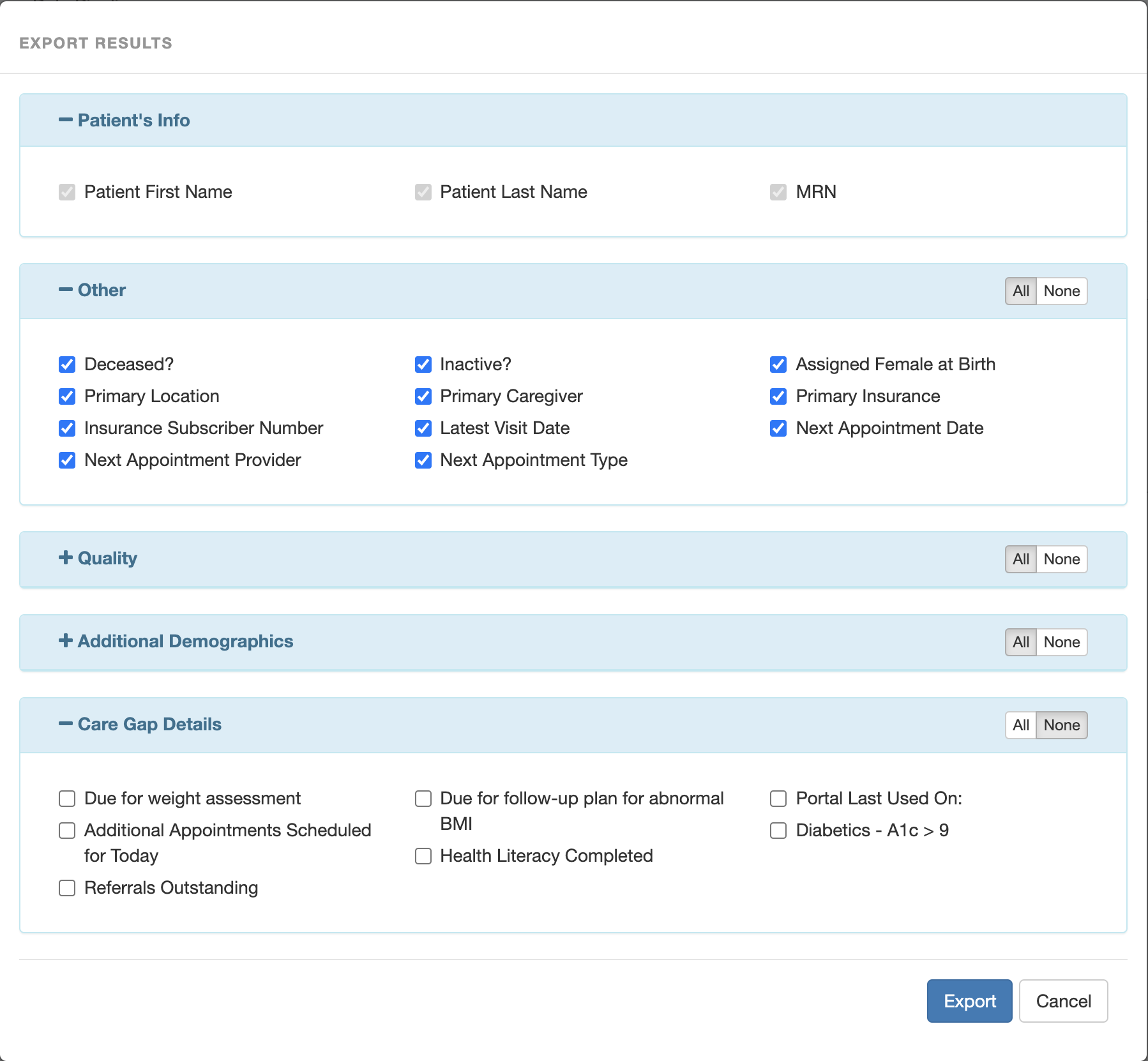
Customized lists of patients can be exported to Excel from Population Explorer in order to facilitate outreach. A population explorer export contains a patient’s name and medical record number (MRN), as well as a combination of several other data points, including patient demographics and other clinical information, as well as risk scores, a list of open care gaps, and more.
Individual care gap details can be selected for export for more targeted outreach; each care gap detail will produce a new column on your Excel export. Note: only care gaps with a “details” column that is populated for at least some patients can be selected as a separate column. However, all active care gaps can be exported as a single column by choosing “Care gaps” under the “Quality information” heading. (If you’d like an export with separate columns for all care gaps, consider using Data Explorer instead – it can do everything Population Explorer can do, and much more!)