
Visit Calendar overview
Visit Calendar allows you to look at utilization by visualizing visit counts and unique patients seen over a specified time period.
Easily visualize visit volume
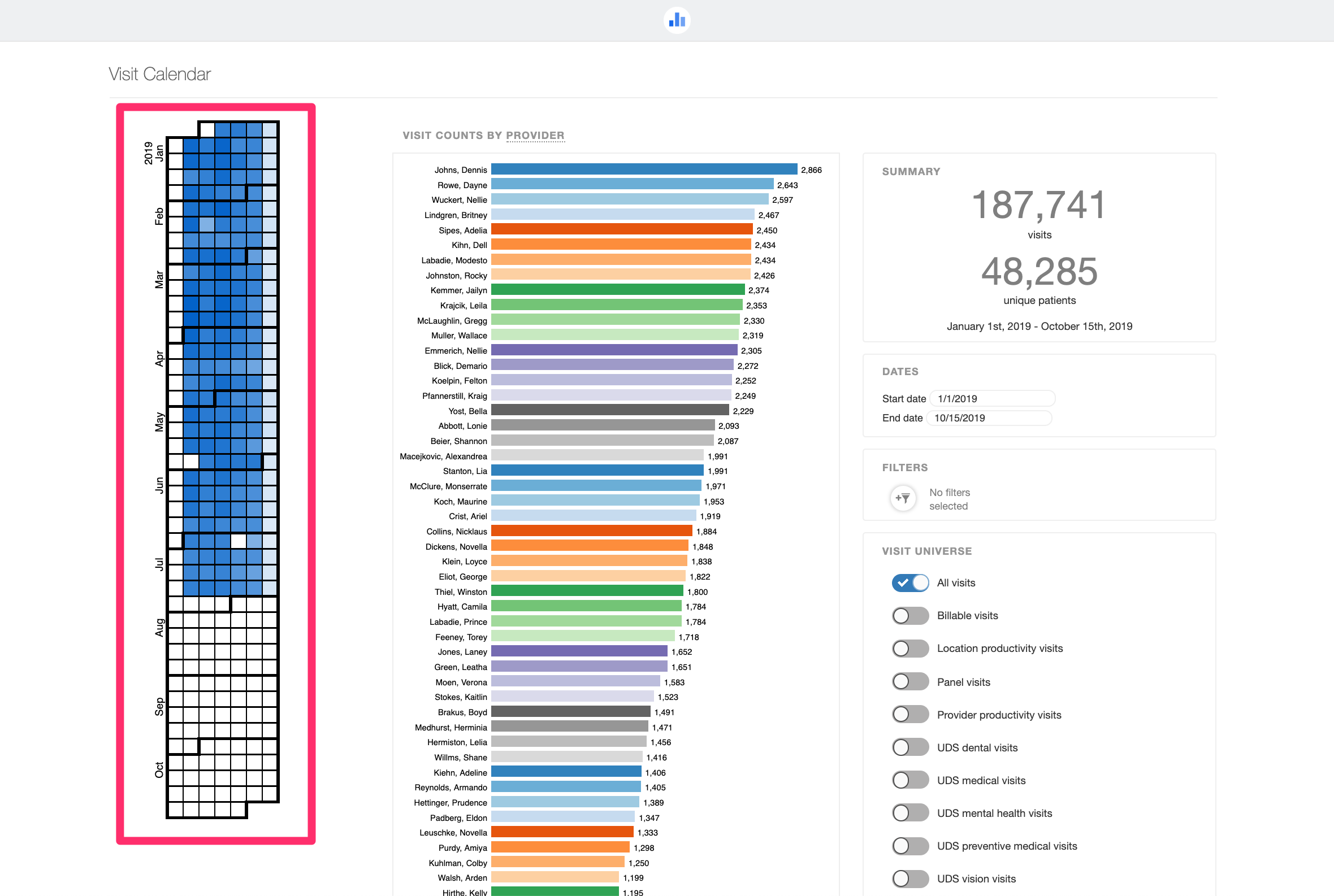
The calendar on the left-hand side gives an overview of past visits over an adjustable time period, with days having more visits appearing darker.
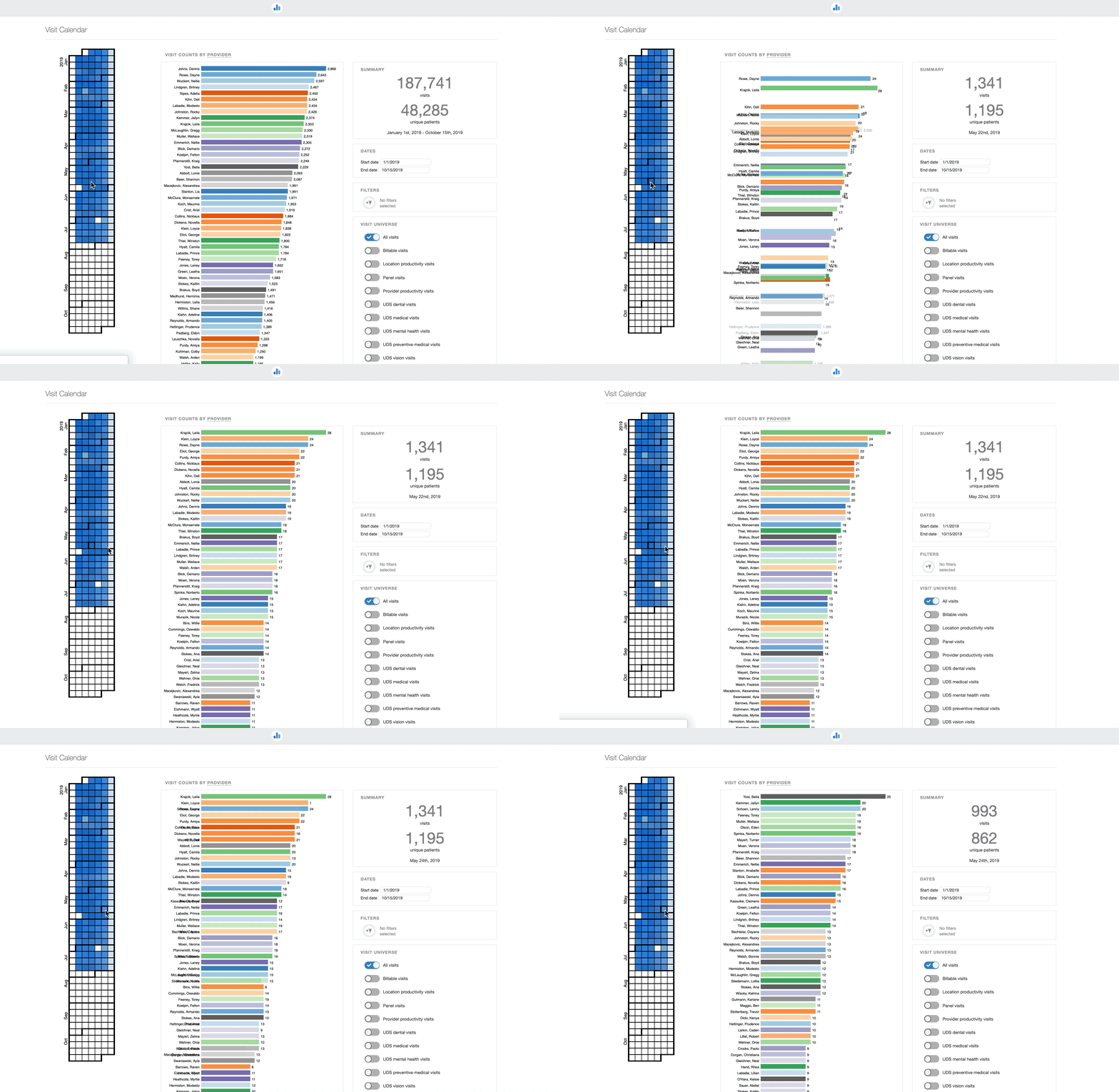
Clicking on a particular box in the calendar filters the screen to display information about that particular day.
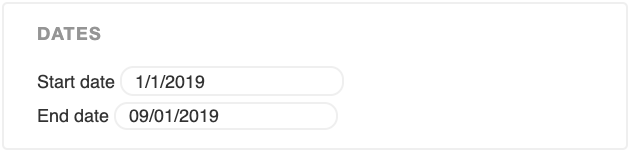
Adjust your visit timeframe:
Dynamically filter your view:
Visit Counts by dimension are shown in the center of the Visit Calendar -- you can pick what to slice those visit counts by: Provider, Primary Payer, Payer Group, Location, Program, Visit Type, and Visit Group. Additional filters can be applied using the Filters box and the Visit Universe toggles.