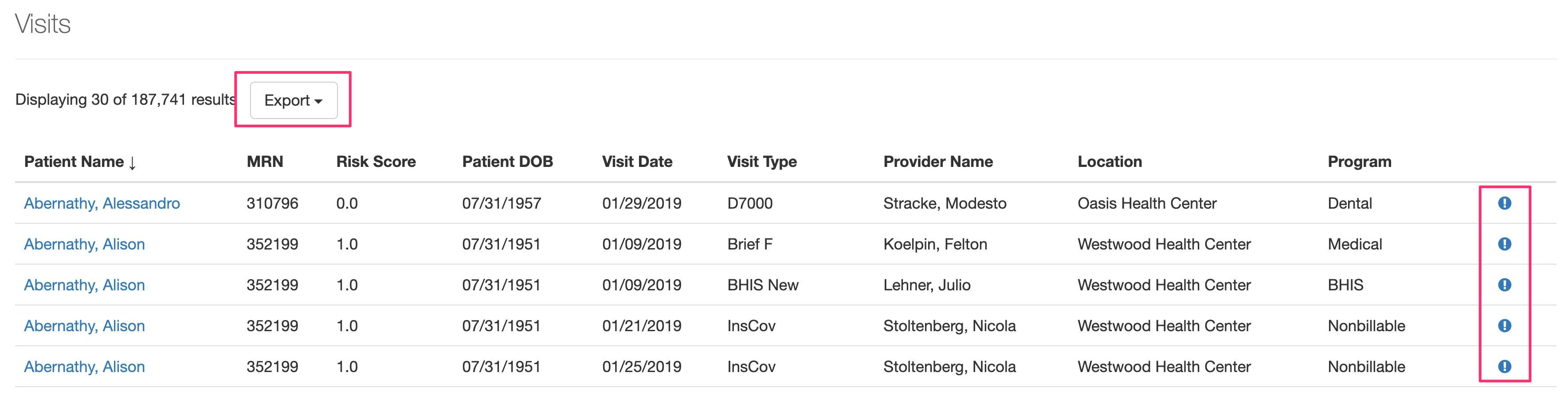
View line-level visit and patient data
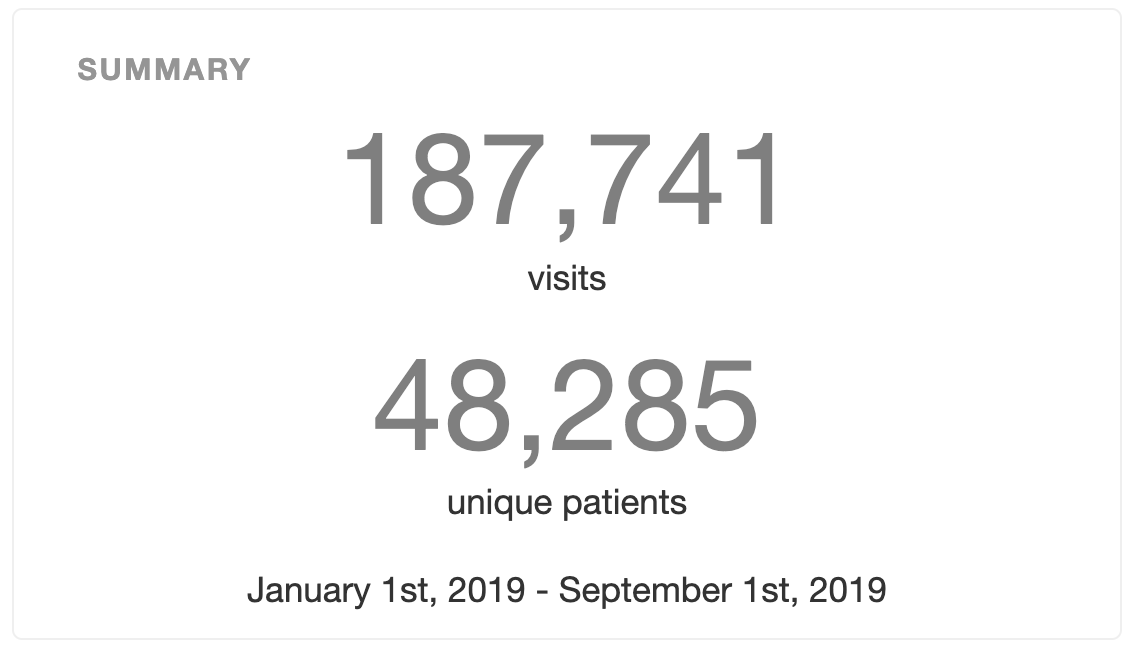
As you filter your view in Visit Calendar (using the timeframe box and the various filters/toggles), the Total Visit Count and Unique Patient Count numbers in the SUMMARY box will automatically update.
To view line-level visit and patient data for the visits selected on the screen, simply click on the counts.
Once you click in, you can Export the line-level data, as well as Report a Discrepancy if any record looks incorrect by clicking on the  icon.
icon.