
Configuring Outreach Languages
Outreach languages help you send the right messages to the right audience members – you don’t need to create multiple campaigns to reach out to diverse patient populations. Outreach languages only need to be configured once from the campaign overview screen or campaign step screen; they will then be accessible to all outreach campaigns.
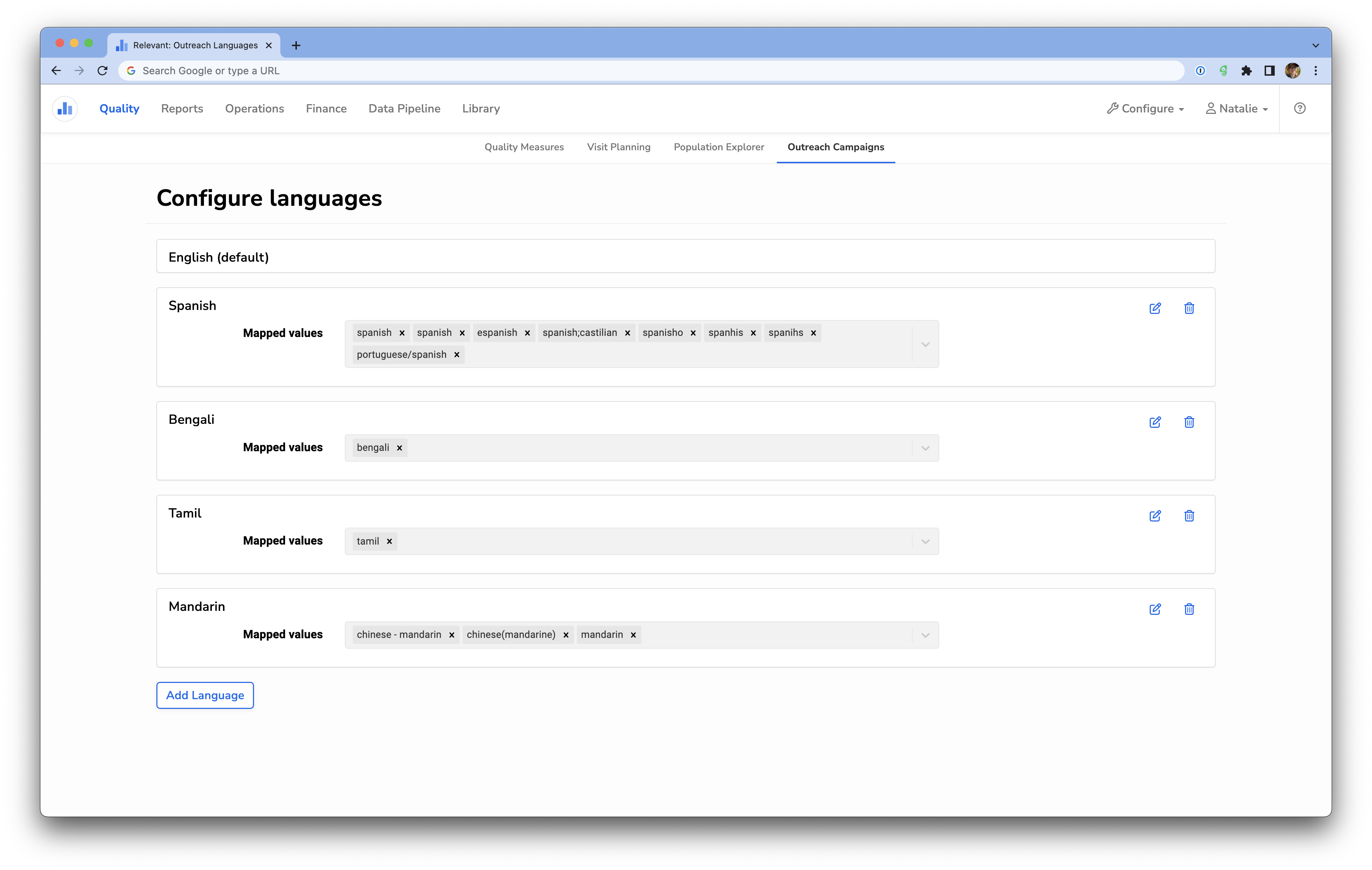
Adding languages is straightforward; give the language a name, and then select all the corresponding languages from the dropdown values. These values come from the patient’s preferred language as mapped in Relevant. These usually come straight in from your EHR, so be sure to capture alternate spellings.

Once you save a new language, you can start creating its message templates in any outreach campaign (if you already have a campaign message template screen open, you may need to refresh to see the new language – don’t forget to save your work first!).
Languages can also be edited or deleted from this configuration screen using the pencil or trashcan icons.