
Accessing Relevant for the first time
To sign into Relevant once an account has been created for you, open your Relevant homepage (yoursubdomain.relevant.healthcare), enter your Relevant account email address, and click “I forgot my password.” If you’re not sure what your subdomain is, contact your IT administrator or Relevant project lead.
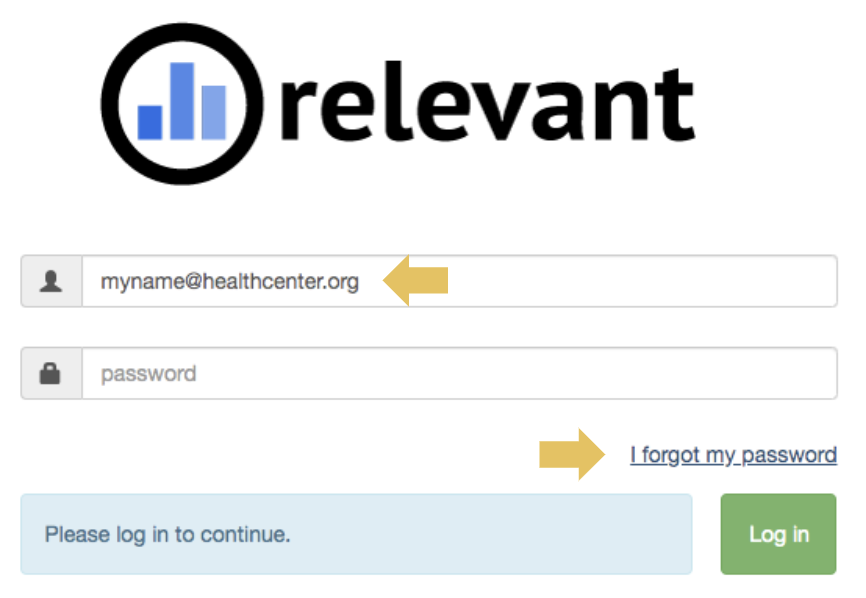
You’ll receive an email with instructions on setting your new password.
If an account has not yet been created for you, you’ll need to contact your administrator or Relevant project lead to have an account configured.