
Configuring Measure Runs
Configuring measure settings requires the “Manage Data Pipeline” ability.
The time required to complete the measures stage of the data pipeline is dependent on the amount of data being processed. Running fewer measurement periods can significantly reduce the pipeline’s run time. You can adjust how often selected measurement periods run under Data Pipeline > Measures > Measure Settings.
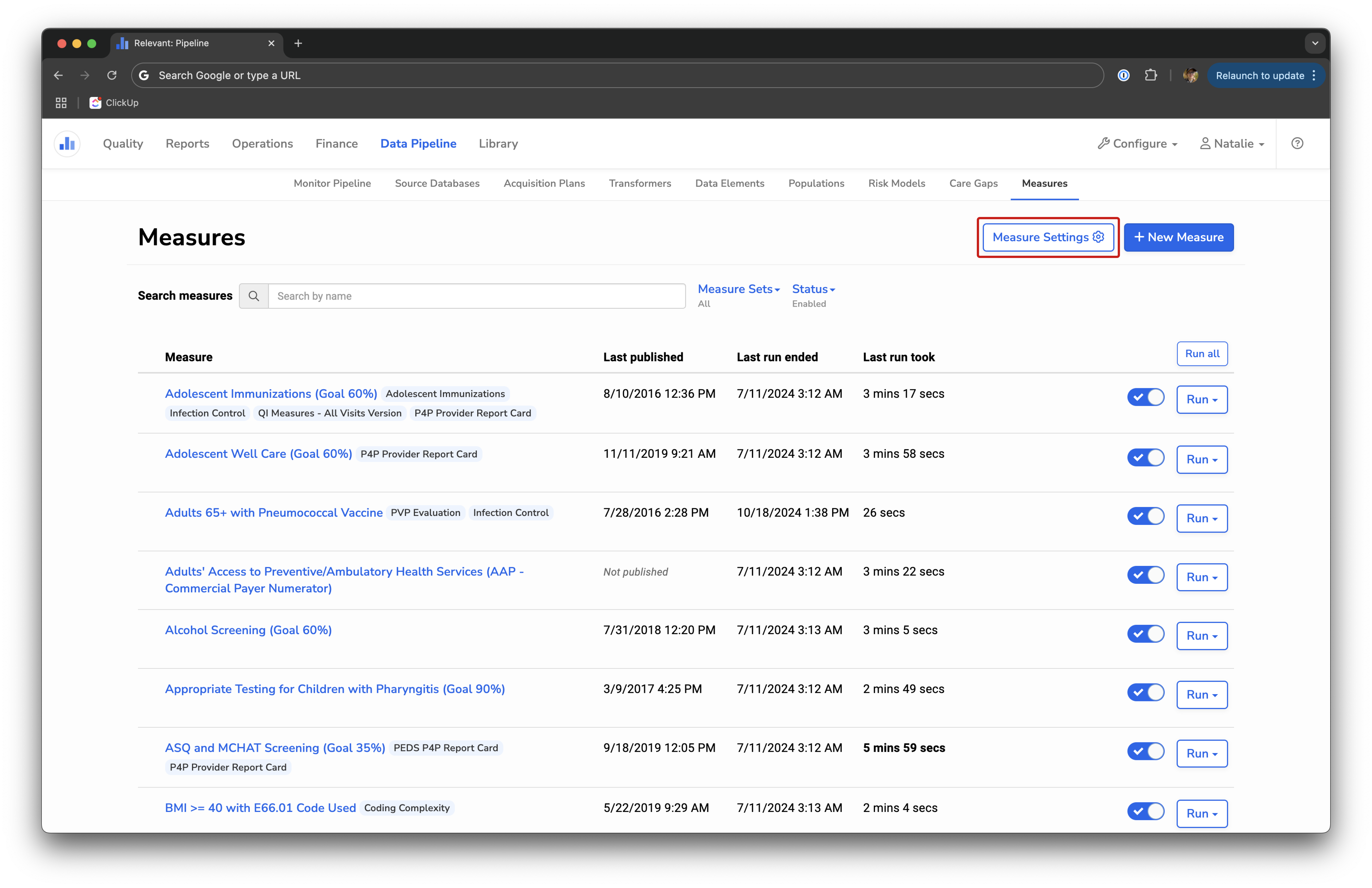
Measure Settings allows you to select the number of fast runs and the days on which you will complete a full run. The default is full runs every day. If you uncheck any days in the “Full run” checkboxes section, those days will complete a fast run with a default of six recent measurement periods.
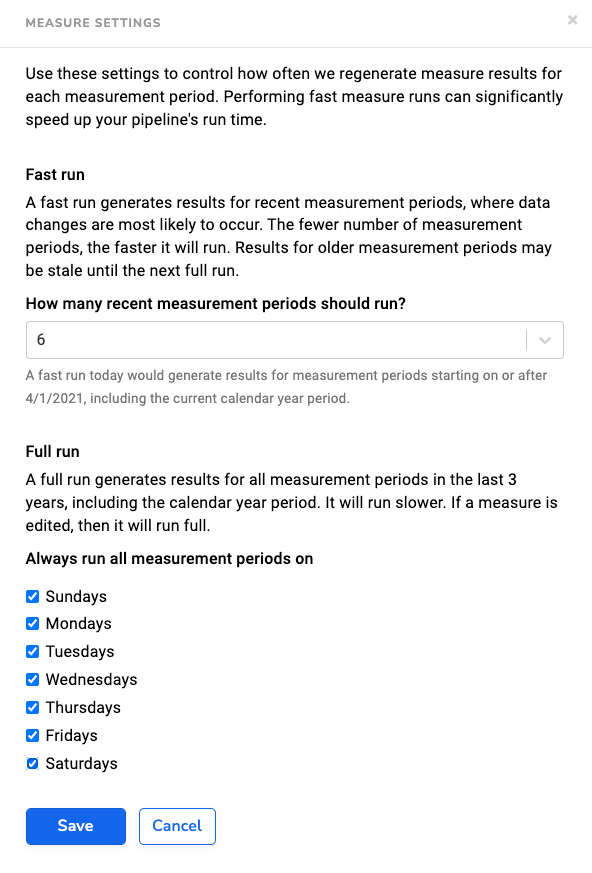
You can reduce the speed of your data pipeline by choosing a fast run on select days of the week while maintaining a full weekly run. As updated data usually occurs in the most recent measurement periods, reducing the number of periods to run will speed up the timeline without sacrificing great assurance.
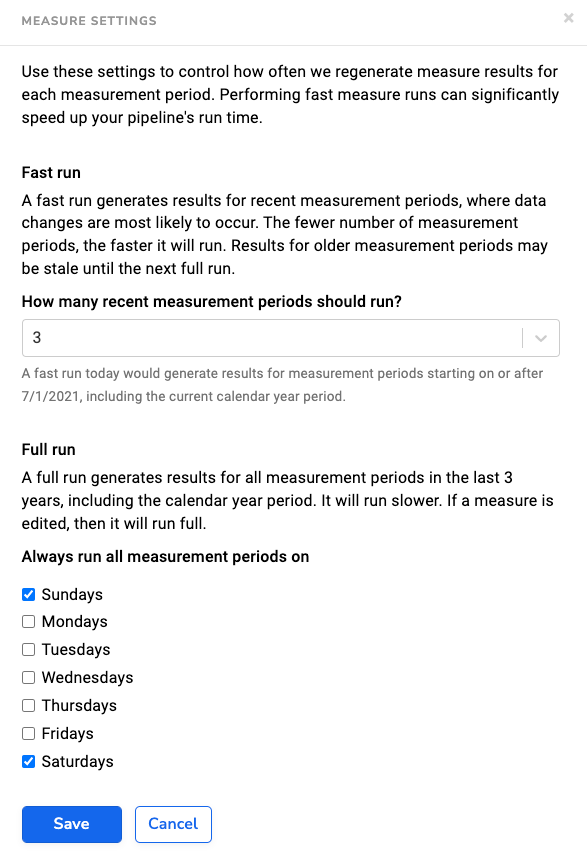
In the following example, Relevant will run the last three measurement periods each weeknight and a full run on weekends.
We recommend adjusting these settings to find the best workflow for your health center.