
Populations
A population is a group of patients that health centers can define for use within the app. For example, you may want to identify all your diabetic patients, or patients using a certain health plan, and be able to filter down to those patients in Data Explorer.
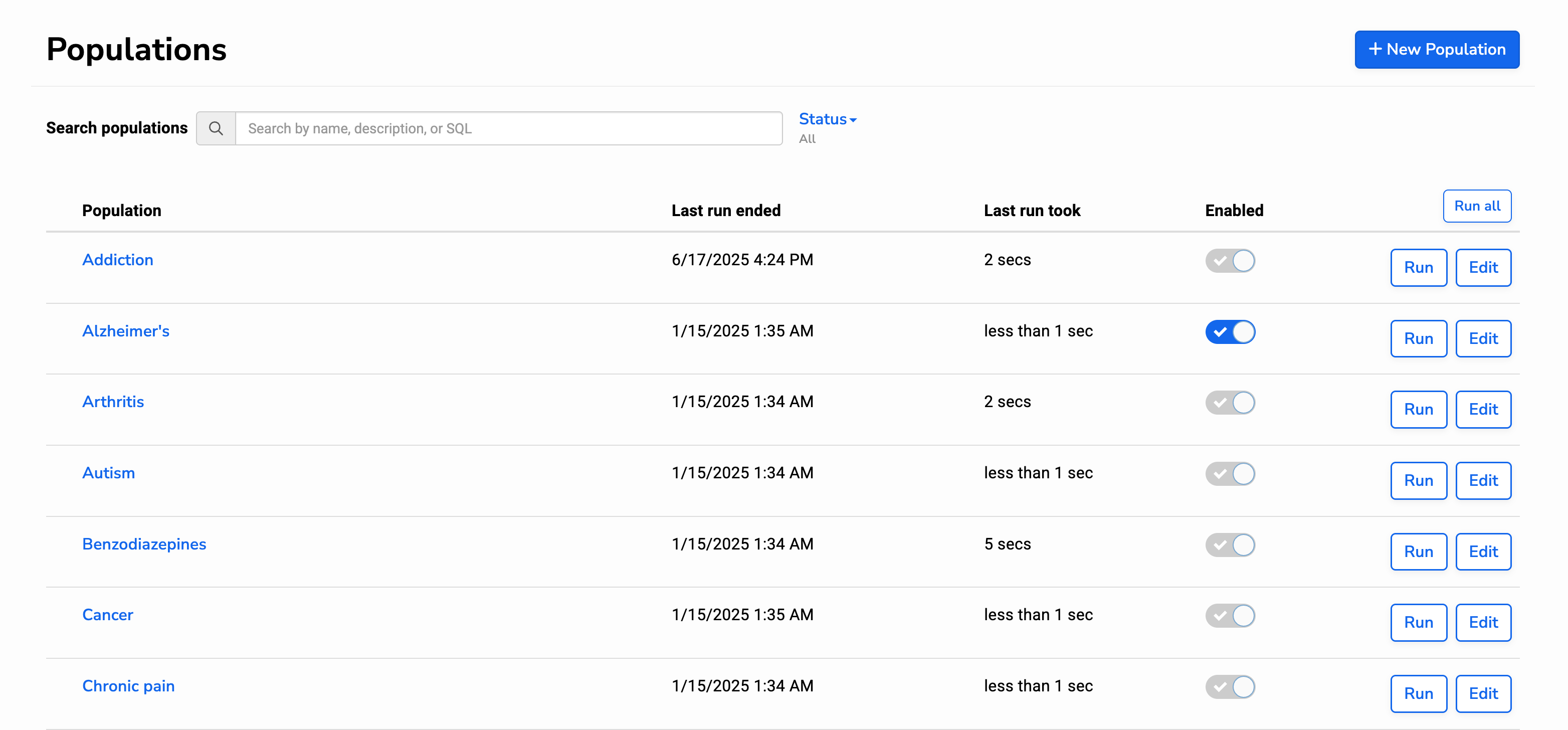
Setting up a population is similar to setting up a care gap. After navigating to the Populations screen, you can activate and run any of the standard, pre-configured populations, or click to set up a new population:
To create your population, enter a name and write a query, following the instructions on the screen:
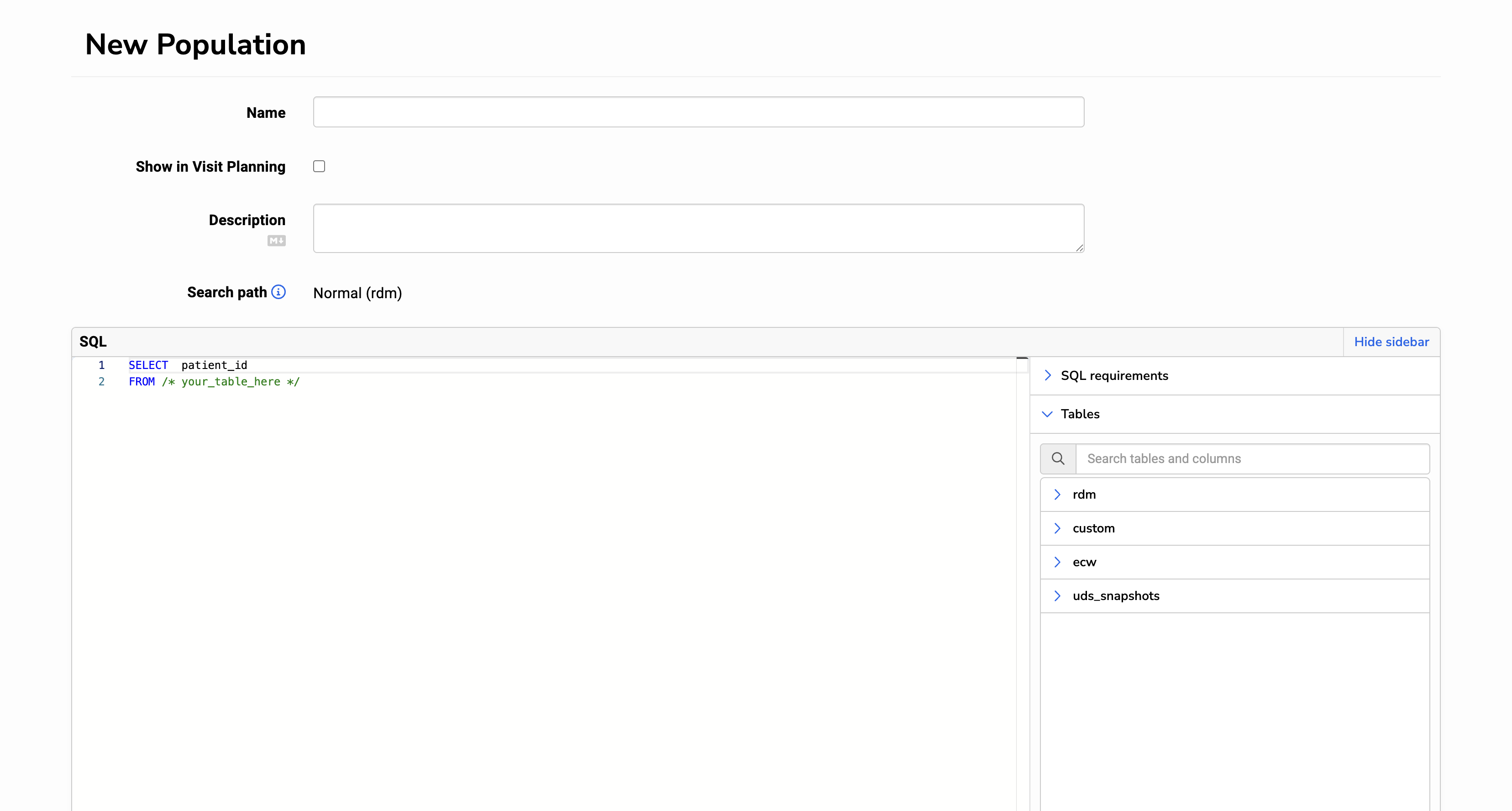
Because a population produces a list of patients, your query should select the patient’s unique identifier. It should be the only column selected and labeled with “AS patient_id”. Relevant will automatically deduplicate the list of patients returned in this query.
Reminder: it’s important to test your query and then run it to make sure it won’t break when run automatically the next day.