
Care Gap Sets
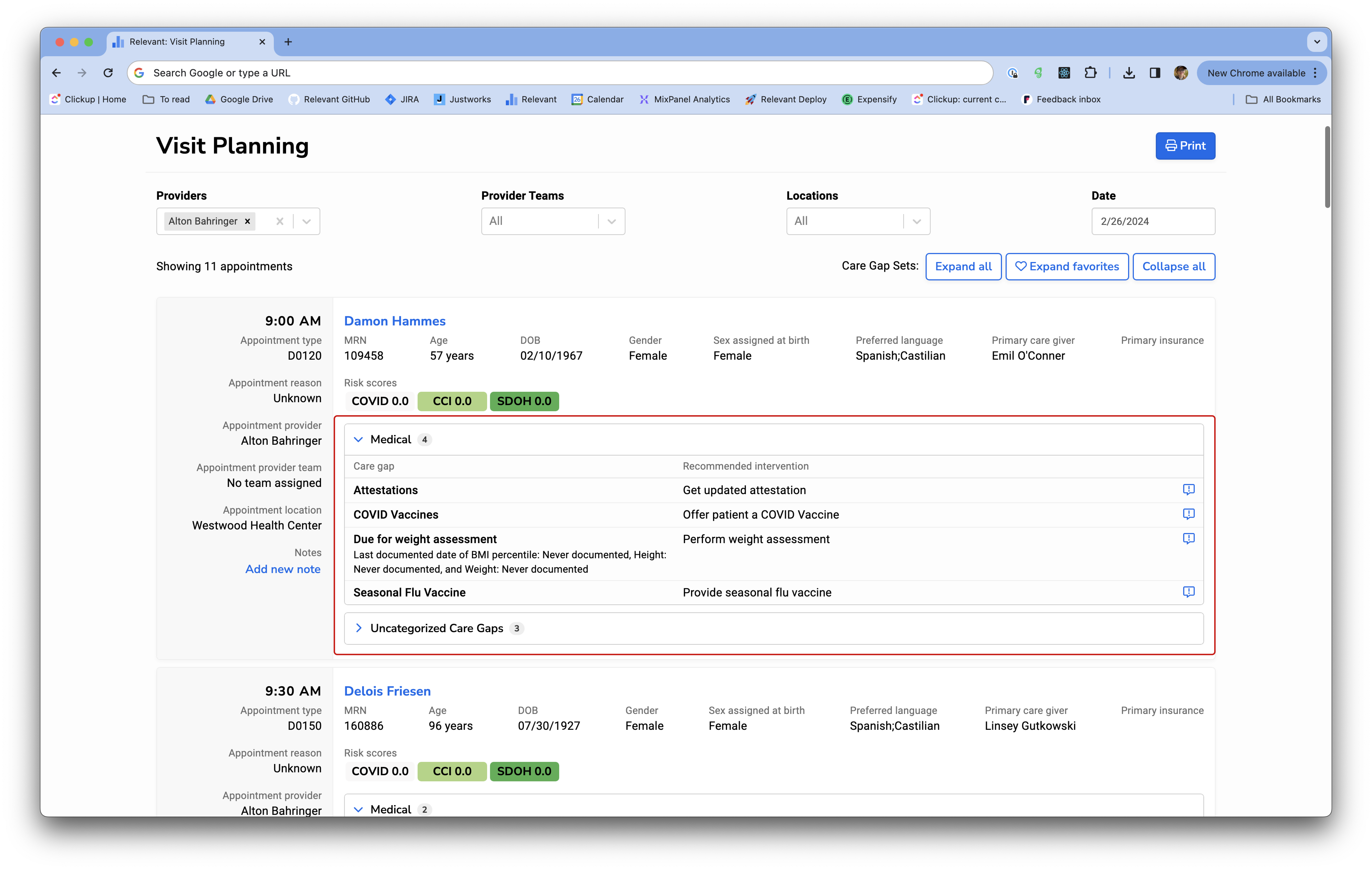
Individual Care Gaps can be grouped into Care Gap Sets in the Visit Planning module. Once a Care Gap Set is created, Care Gaps that appear for a patient in Visit Planning will be partitioned into the set they’ve been grouped into.
Care Gap Sets are great for linking Care Gaps together in a way that is meaningful to your organization and making Visit Planning more appropriate for the user that is viewing it.
Create a new Care Gap Set
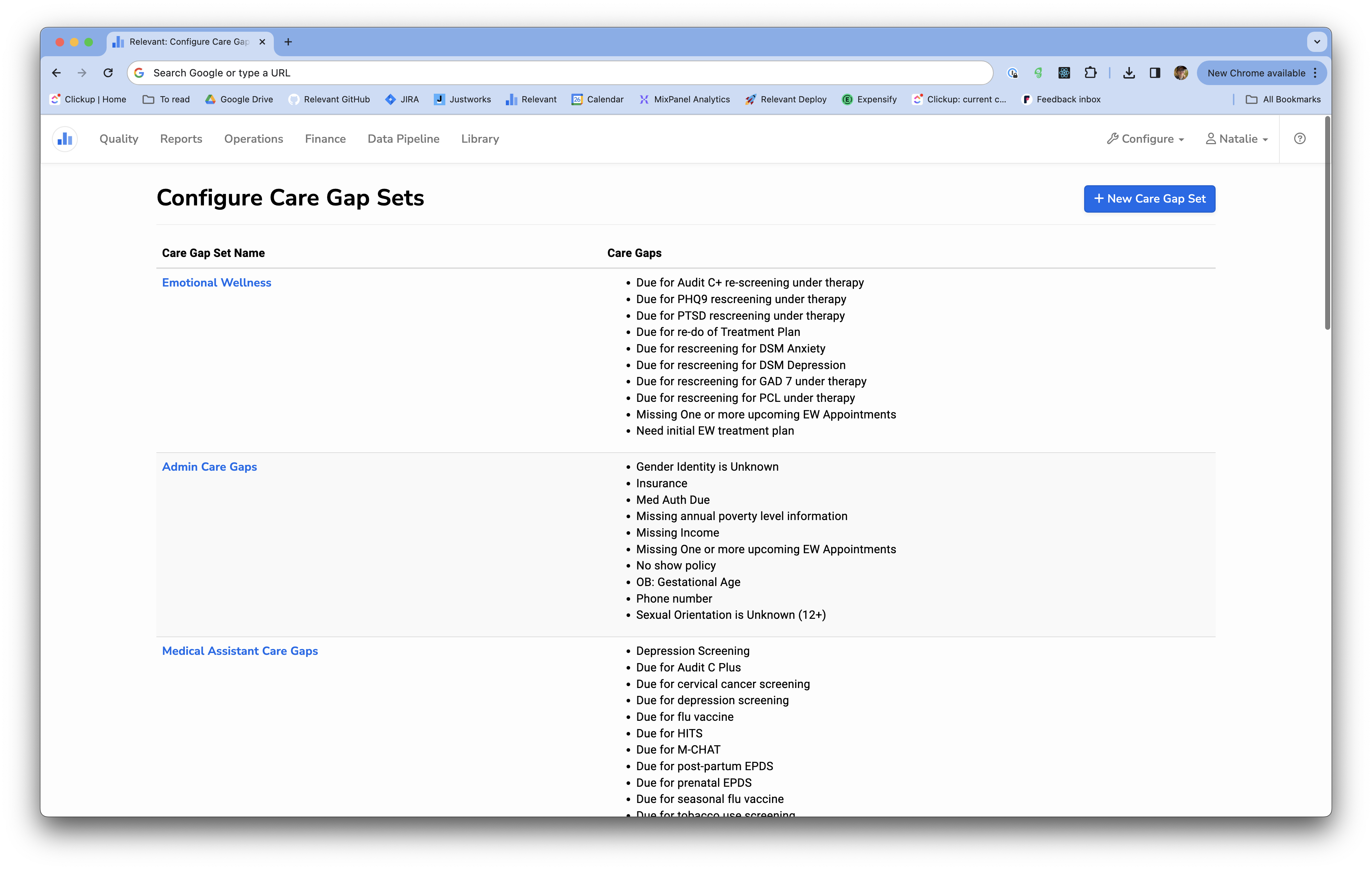
To create a new Care Gap Set, navigate to the Configure menu in the top right corner of Relevant, and click “ Care Gap Sets”. Once there, you can click + New Care Gap Set.
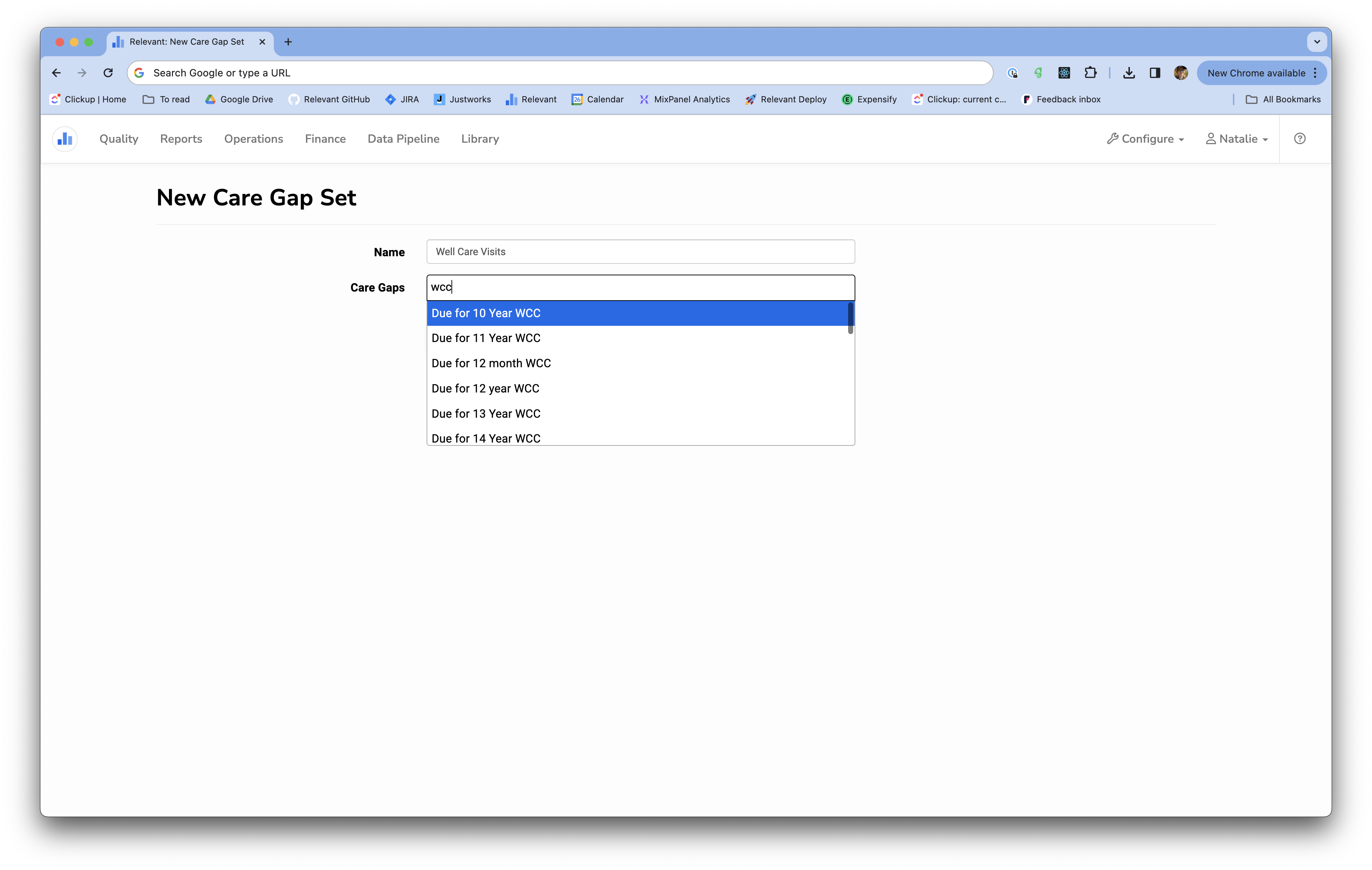
Then, name your Care Gap set and select the Care Gaps you’d like to add to it by clicking through the drop down.
Configuring “Favorite” Care Gap Sets
You’ll notice in Visit Planning that you have the option to you view only your favorite Care Gap Sets. This allows different users to designate one or more Care Gap Sets as their favorite. You can use the button to only see Care Gaps on patients in Visit Planning that fall into one or more of your favorite Care Gap Sets.

To set your favorite Care Gap Sets:
Any user of Relevant can set their favorite Care Gap Sets. To do this, click on your namein the top-right corner of your screen, and click on My Settings. Then, under Favorite Care Gap Sets, select the Care Gap Sets that you’d like to store as your favorites. To finish, click Save.
